
Home
Welcome home
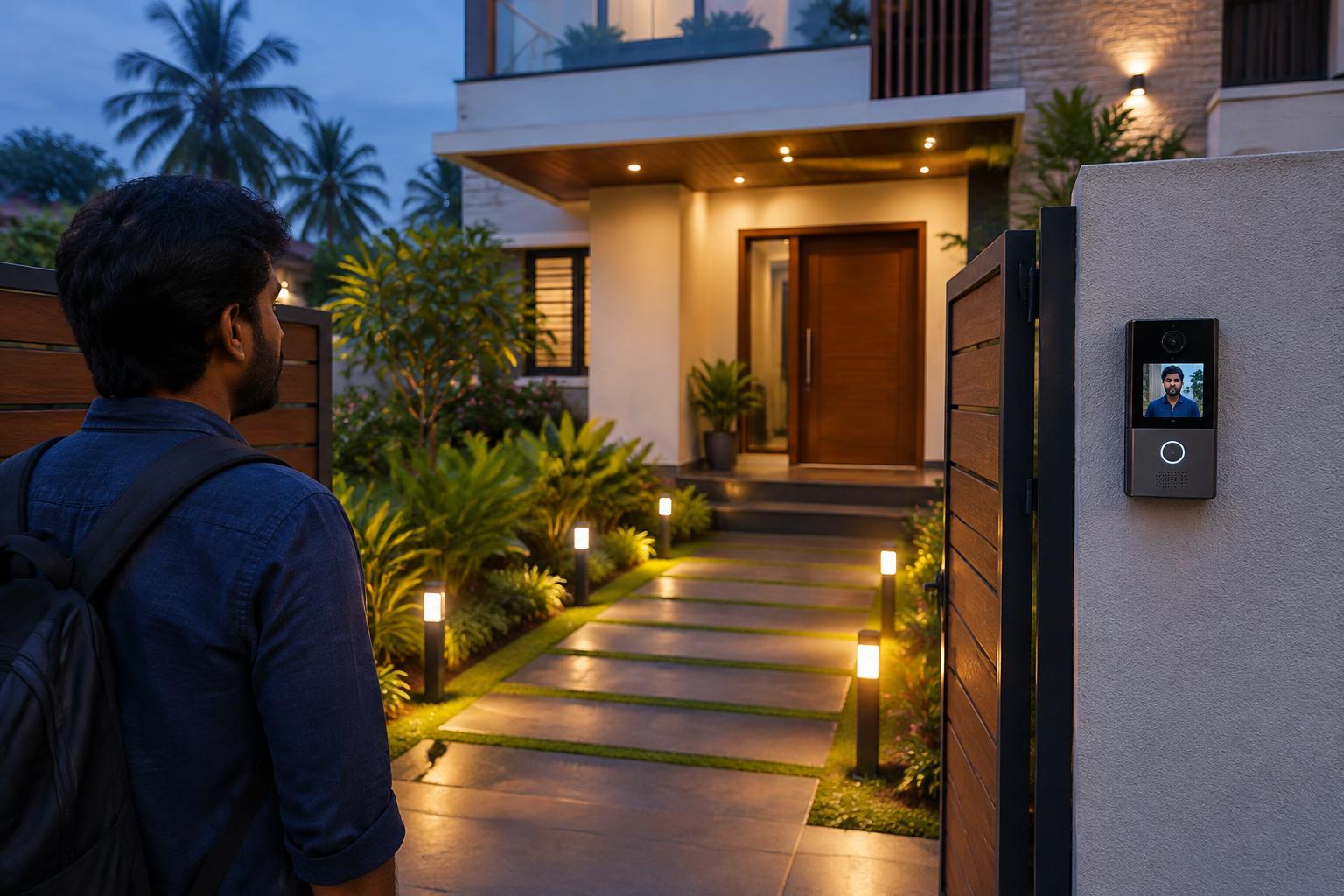
A brighter arrival, without leaving lights on all day.
- 01Porch and pathway lights turn on at dusk
- 02Speak to visitors through a compatible door phone
- 03Set lights to turn off at a chosen time
Smart automation
Automation doesn't need to be complicated. We start with the routines you repeat every day and look at what your wiring, devices and network can support.
Switch rooms on and off in Lighting, lock the door in Entry, or apply a routine in Scenes and watch the other tabs change.
In a real installation, the app and features depend on the devices chosen. Some setups use one app; others combine a few. We'll explain the trade-offs before anything is installed.
Illustrative smart-home demo
1 lights on · Door unlocked · Alarm disarmed
Not connected to real devices. Actual functions depend on equipment, compatibility and a site assessment.
Possibilities to discuss
These are ideas we can explore together. Each depends on compatibility and is confirmed after a site assessment.
Control selected lights and fans from your phone or a single panel.
Smart locks and video door phones for keyless or remote-assisted entry.
Lights on at dusk, off at bedtime — set once, repeated daily.
Switch suitable appliances on a schedule or remotely, where safe and compatible.
One routine to switch signage, lights and selected equipment at opening or closing time.
Have something else in mind?
Tell us your idea →Practical scenarios
Home
A brighter arrival, without leaving lights on all day.
Home
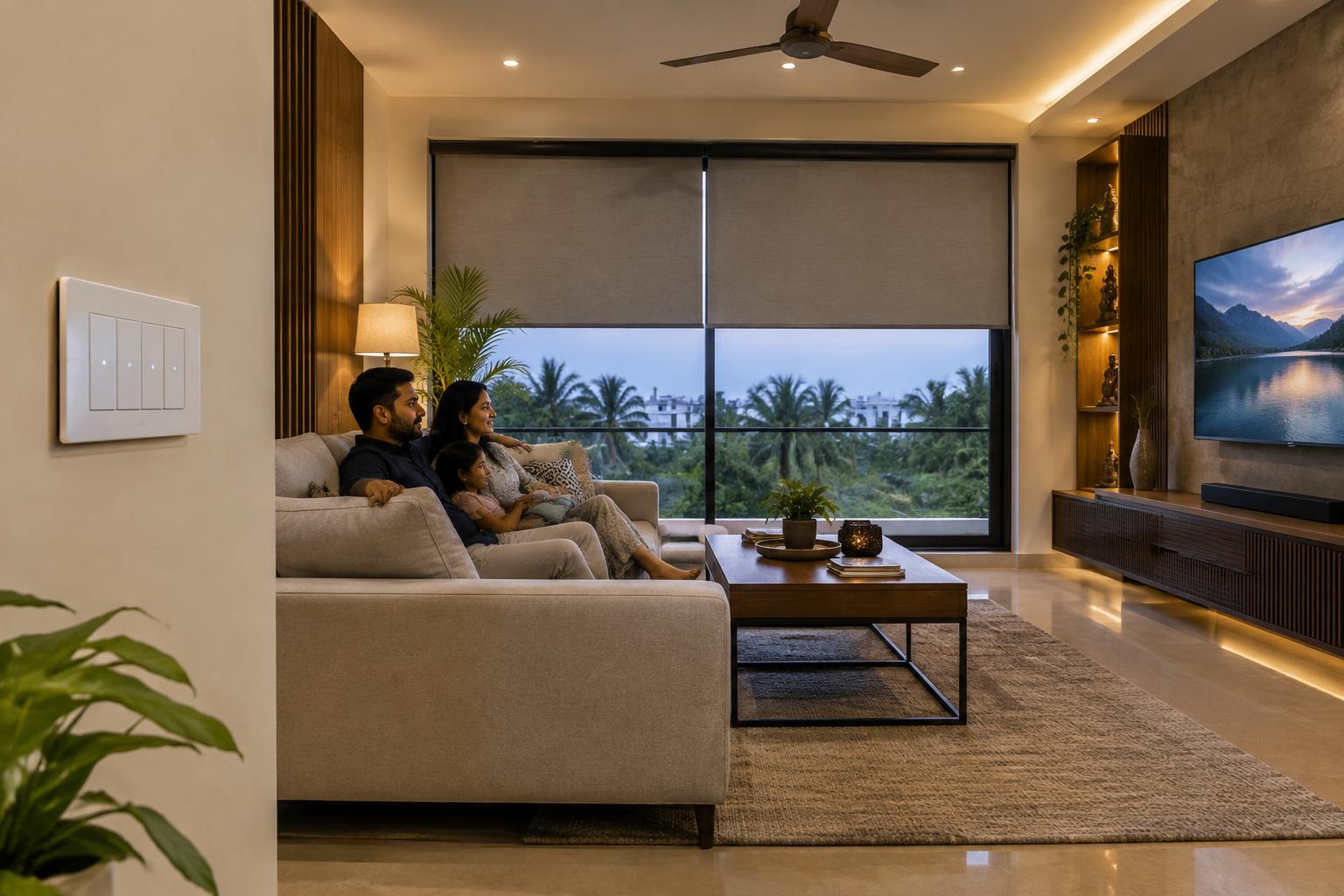
The right atmosphere, with fewer switches.
Home
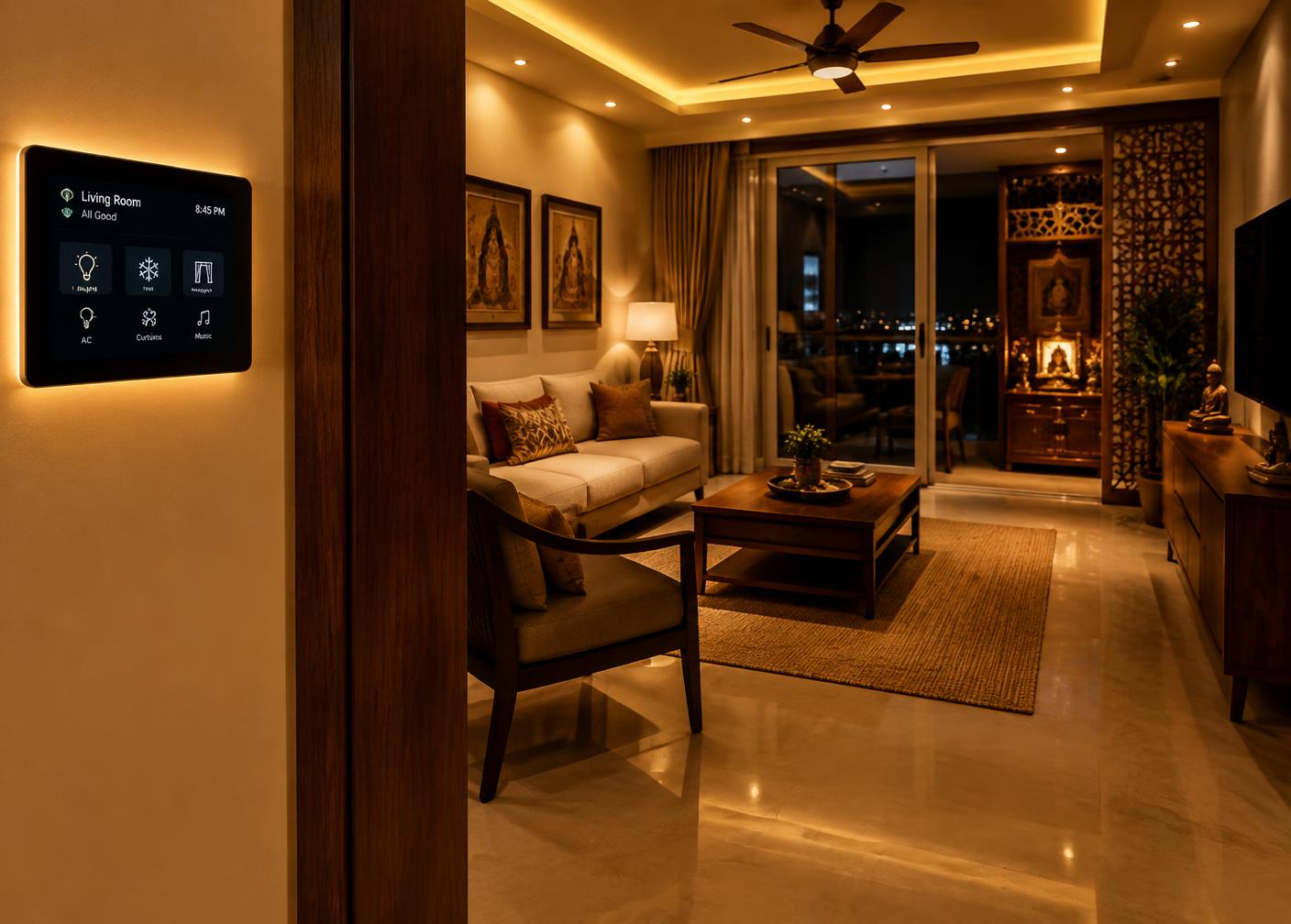
Wind down without walking from room to room.
Business
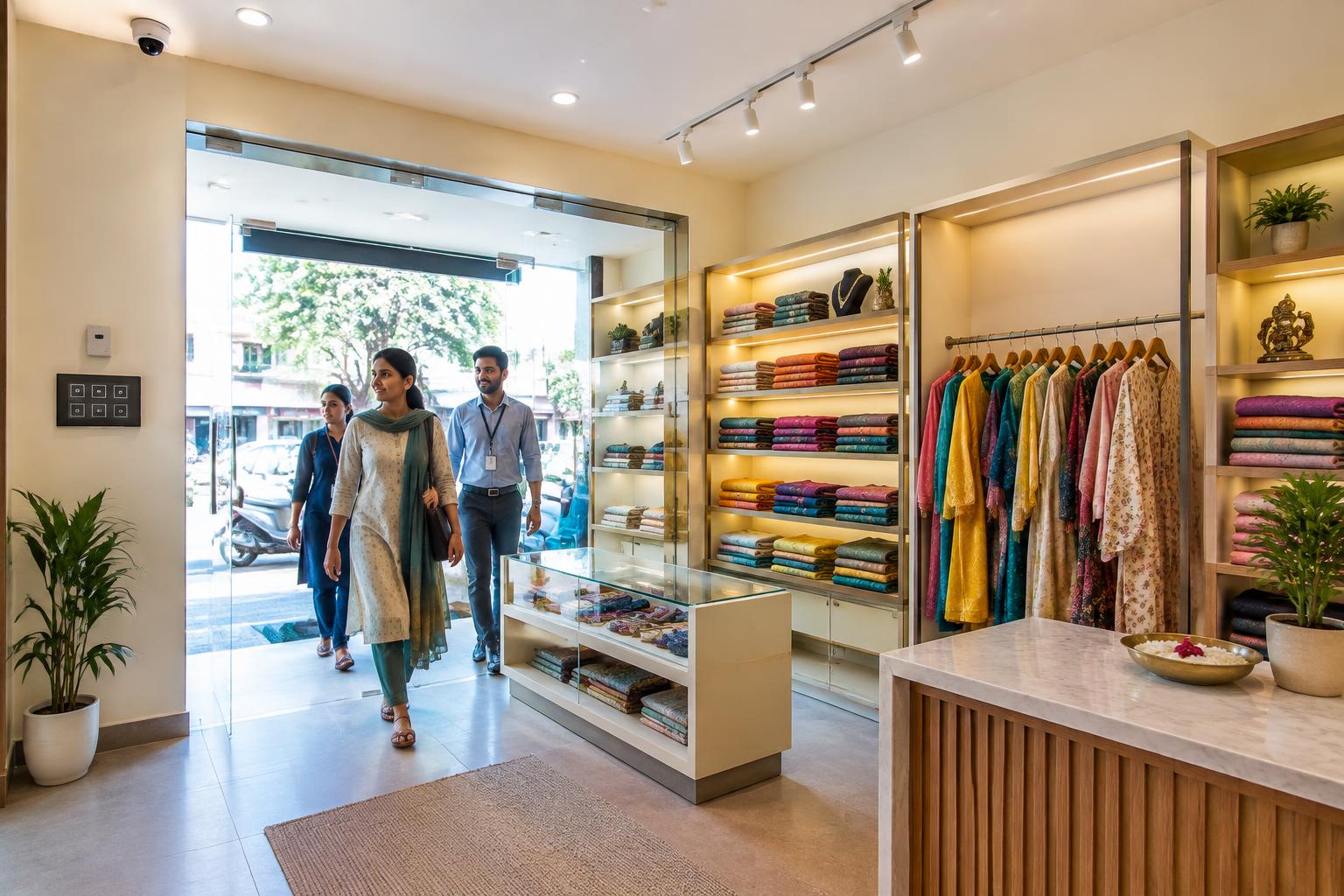
Start the day with a consistent opening routine.

Business
Turn off what you don't need. Keep security powered.
Business
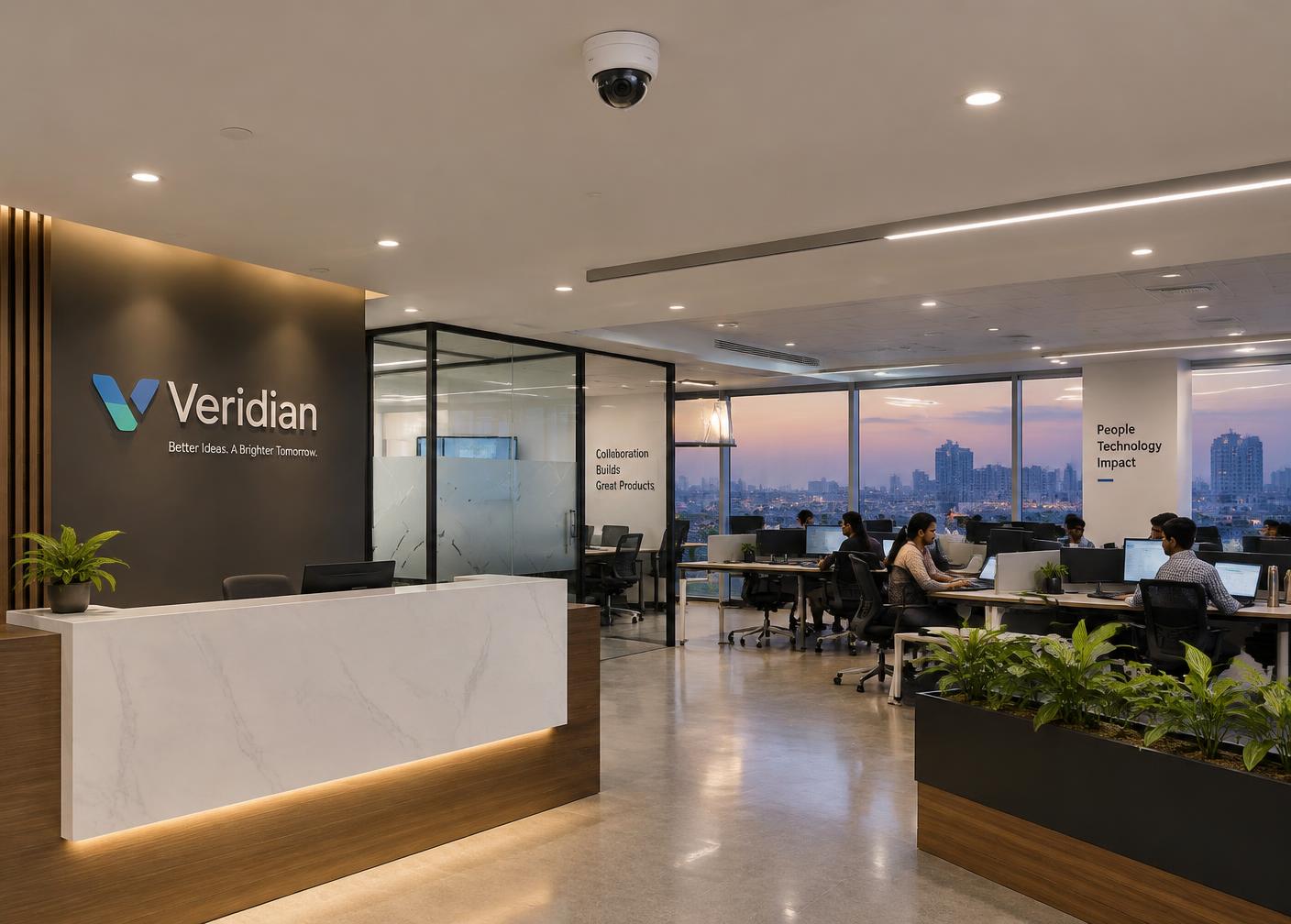
Light occupied areas instead of the entire premises.
Illustrative ideas, not guaranteed functions. Devices, wiring, safety and compatibility are reviewed before installation.
Tell us which routines you'd like to simplify. We'll check what's practical for your property.